Feature
Emergency Communications: Coordinate outside normal channels, with an audit trail.
During an incident, teams need a reliable place to coordinate decisions, share artifacts, and preserve context. Aurora provides messaging threads with attachments and attributable history so communication stays organized and reviewable.
Coordinate outside normal channels, with an audit trail.
Sample output
Message thread history
Verifiable proof reviewers can follow
Prove Emergency Comms Worked When It Mattered
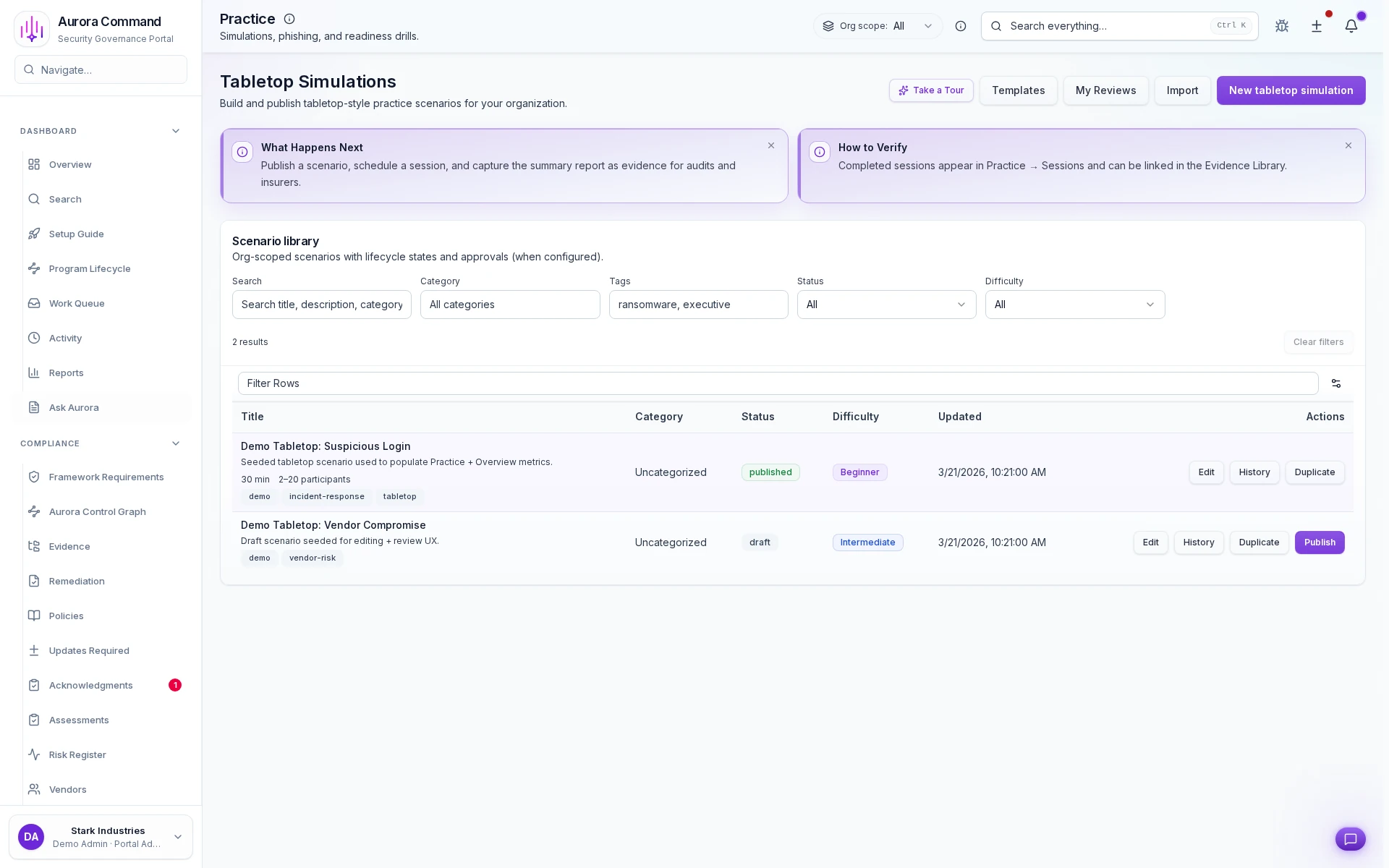
Coordinate emergency drills on a single record
Sign off scenarios before they go to the team
Cite drill sessions as readiness evidence
How Teams Prove Emergency Communications Worked
01
Launch the notification path
Start the communication sequence with the right audience, urgency, and escalation plan.
02
Track delivery and acknowledgments
See who received the alert and who still needs a response without hopping across tools.
03
Escalate unreachable recipients
Keep missed acknowledgments visible so the team can close the loop while the event is still active.
04
Preserve timing and response history
Hold onto the exact communication record instead of rebuilding it after the fact.
05
Export the communication record
Package the timeline for insurers, auditors, and internal reviewers without exposing the full workspace.
What This Adds To Emergency Readiness
Feature 1 of 5: Designed for
1/5
Designed for
Incidents • Security reviews
Artifacts reviewers recognize, plus sample previews of structure.
Scroll for artifact previews
Connect The Channels That Carry Urgent Communications
Questions Teams Ask
Share The Training Or Exercise Record A Reviewer Will Ask For.
We’ll show how Aurora captures completion, participation, follow-ups, and the proof trail behind them.
Share one request and we will show the path to message thread history without losing approvals, ownership, or reviewer context.